
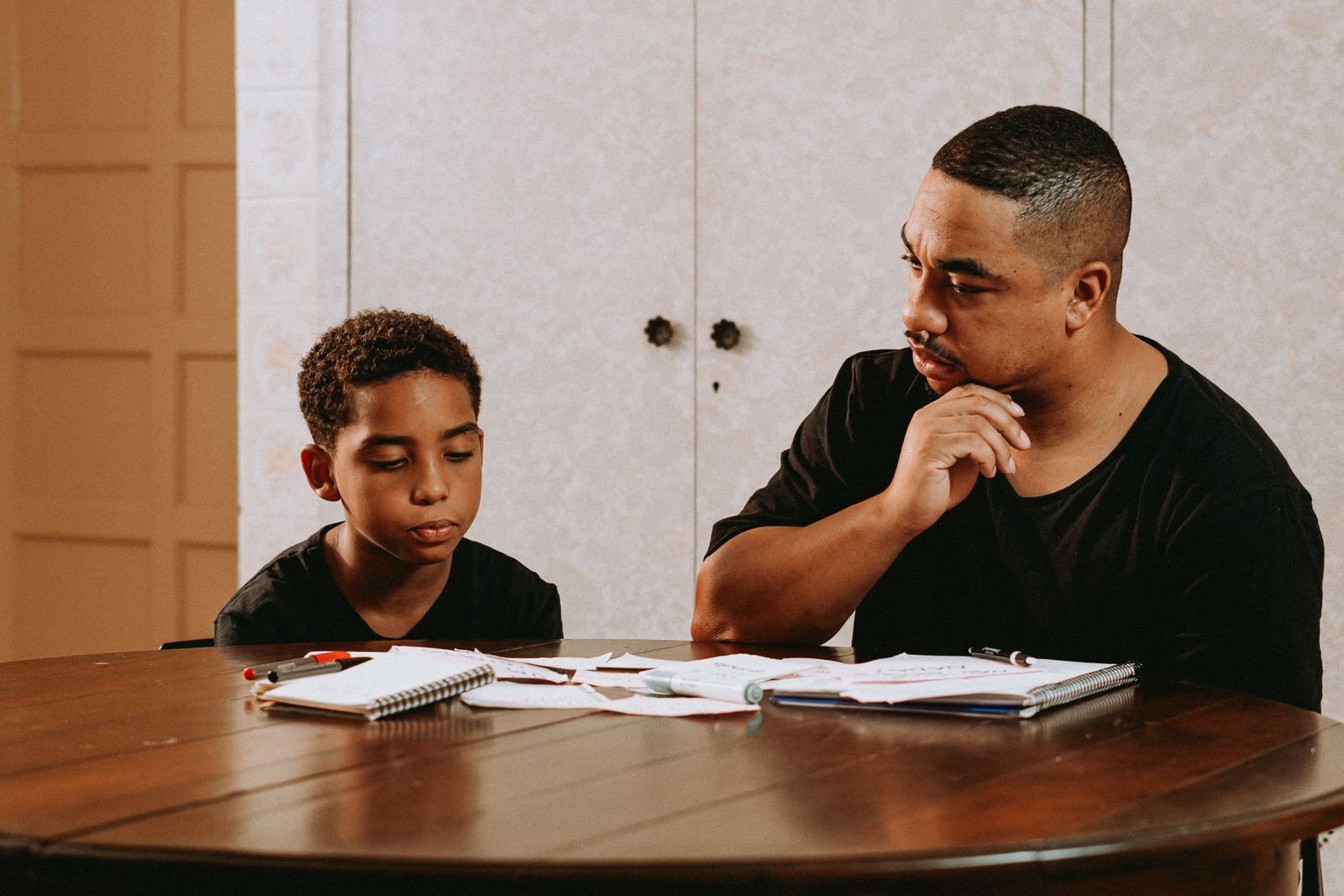
The digital divide is usually described as a question of access — who has a device and a reliable connection. That framing is incomplete. In the households we work with across Boston, the more consequential divide runs down the middle of the kitchen table: a young person fluent in platforms their caregiver has never opened, and a caregiver making parenting decisions about an environment they cannot see. Parenting workshops in Boston that ignore that gap are working with one hand tied.
Two divides, not one
The access divide is real and material. A household sharing one phone among four people cannot complete homework, apply for benefits, and attend a telehealth appointment simultaneously. Data caps turn a school assignment into a budgeting decision. None of that is solved by advice.
The competence divide is different and less discussed. A caregiver may own a smartphone and still have no working model of how an algorithmic feed decides what their child sees, what a disappearing message is, how a group chat becomes a pile-on, or where the privacy settings live. That gap does not indicate a lack of intelligence or interest. It reflects the fact that these systems changed rapidly and nobody was assigned to teach adults how they work.
Both divides produce the same downstream effect: parenting decisions made without information, which young people experience as arbitrary, which generates conflict.
How the gap becomes household conflict
In mediation, technology disputes follow a recognizable pattern. A caregiver, uneasy about something they cannot evaluate, imposes a broad restriction — the phone is gone, the account is deleted. The young person experiences that as disproportionate, because from their vantage point the caregiver does not understand what was actually happening. Both are partly right, and the argument that follows is not really about the device.
Three predictable escalations follow:
- Restriction without explanation reads as arbitrary authority, which is the thing adolescents are developmentally primed to resist.
- Covert workarounds — second accounts, borrowed devices, hidden apps — follow almost immediately, which means the caregiver now has less visibility than before.
- Loss of disclosure. A young person who expects the phone to be confiscated will not report being harassed online. That is the single most damaging outcome, because it removes the caregiver from exactly the situation where they are most needed.
Closing the competence gap does not require a caregiver to become expert. It requires enough working knowledge to make decisions their child recognizes as informed.
A young person who believes the phone will be taken away will not tell you that something is going wrong on it. Visibility is bought with predictability, not with force.
What caregiver digital literacy actually covers
Our technology training sessions are hands-on and deliberately unglamorous. Participants bring their own devices and leave having actually changed a setting rather than having heard about one.
The account layer
Passwords and password managers, two-factor authentication, recovery options, and what to do when an account is compromised. This is where most real harm to families originates, and it is entirely learnable in one session.
The privacy layer
Where privacy settings live on the platforms young people actually use, what a public profile exposes, how location sharing works, and how to lock down an account without deleting it.
The platform layer
How feeds are ranked, why content that provokes strong reactions spreads further, what disappearing messages do and do not delete, and how group chats escalate. Caregivers do not need accounts on these platforms to understand the mechanics.
The safety layer
Recognizing scams and impersonation, what sextortion attempts look like and why immediate non-judgmental response matters, how to document and report harassment, and when a school or law enforcement should be involved.
The administrative layer
School portals, benefits applications, telehealth systems, and the growing set of essential services that assume digital fluency. This is often the most immediately valuable session for the adults in the room.
Building a screen-time agreement that holds
Blanket time limits rarely survive contact with a real week. Agreements that specify context tend to hold better than agreements that specify duration.
- Write it down and post it. An agreement living in someone's memory gets renegotiated during every disagreement.
- Define places, not just minutes. Devices out of bedrooms overnight and away from the dinner table is clearer and more enforceable than a daily total.
- Include the adults. An agreement that binds only the young people will be read, correctly, as a control measure rather than a family standard.
- Separate categories. Homework, staying in touch with family, and open-ended scrolling are not the same activity and should not share a budget.
- Write the exceptions in advance. Deciding what happens on a snow day or during a group project while everyone is calm prevents a negotiation during a conflict.
- Set a review date. A thirteen-year-old's agreement should not still govern them at sixteen. Scheduled review removes the need to fight for a change.
Online safety without surveillance
Monitoring software has a place, particularly with younger children, but it carries a cost that often goes unweighed. Covert monitoring, once discovered — and it is generally discovered — damages trust in a way that reduces the caregiver's information, not increases it.
Where monitoring is used, we suggest three conditions: the young person knows it exists, they know specifically what it captures, and it is paired with an explicit commitment about what will not happen if they come forward with a problem. That last condition is the one that preserves disclosure.
The alternative approach — building the habit of reporting rather than the apparatus of catching — takes longer and works better over time. It rests on a promise the caregiver has to keep: if you tell me something bad happened online, my first response will not be to take the device away. Keeping that promise once is worth more than any application.
Portals, paperwork, and the administrative burden
A quiet source of household stress is the sheer administrative load now placed on caregivers through digital systems. School portals for attendance, grades, and permissions. Benefits recertification with upload requirements. Housing applications, medical portals, utility accounts. Each system has its own login, its own deadline, and its own failure mode.
For a caregiver working multiple jobs, with limited English, or without reliable connectivity, this burden is substantial — and missing a deadline in one of these systems can carry real consequences for the household. A meaningful share of our technology training is spent simply sitting beside people while they get into the systems they are already responsible for. It is not glamorous work, and it removes a genuine source of family stress.
How to get training in Boston
PCR Inc. offers free digital literacy sessions and parenting workshops across Dorchester, Roxbury, Mattapan, and Greater Boston. Sessions are small, hands-on, judgment-free, and open to caregivers at any level of experience — including people who have never opened a settings menu.
We also bring sessions to hosts. If your school, congregation, tenant association, or community center can offer a room and an hour, we will supply the volunteers, devices, and materials. Contact us with your neighborhood and the number of participants you expect.
These workshops are educational. We do not provide clinical or legal advice, and when a family's situation calls for licensed support, we refer them through our community resource directory.
If something has gone wrong online
This article is educational and is not legal or emergency guidance. If a child is in immediate danger, call 911.
- NCMEC CyberTipline — report online child exploitation at report.cybertip.org or 1-800-843-5678
- 988 Suicide & Crisis Lifeline — call or text 988
- Crisis Text Line — text HOME to 741741
- Massachusetts 2-1-1 — dial 211 for family services